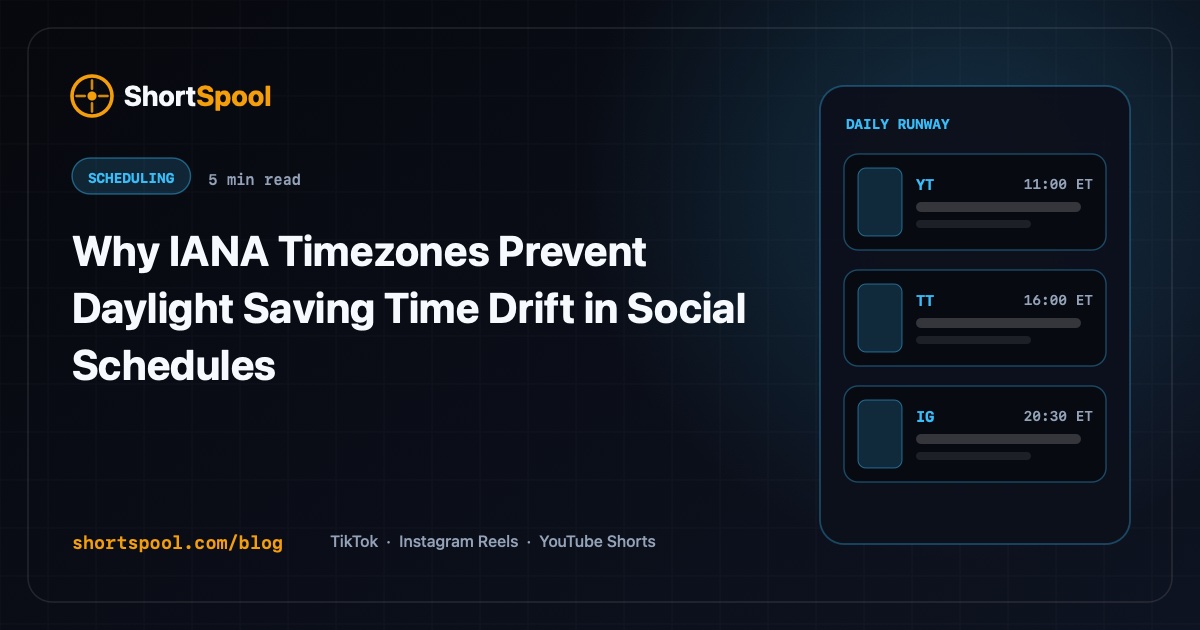
Why IANA Timezones Prevent Daylight Saving Time Drift in Social Schedules
If you have ever queued a month of short videos in late February or late October and noticed your 12:00 PM posts suddenly going live at 1:00 PM or 11:00 AM, you hit Daylight Saving Time drift. The culprit is almost always a scheduler storing a fixed UTC offset instead of a proper IANA timezone identifier.
1. The hidden bug inside fixed UTC offsets
Many simple schedulers and CSV importers ask you to pick an offset like UTC-5 or convert your timestamps into raw UTC at the moment you click Save using your browser current offset. That shortcut works fine until the next clock change.
New York runs on UTC-5 during standard winter time (EST) and switches to UTC-4 during summer Daylight Saving Time (EDT). If you schedule 60 videos on February 20 using a fixed UTC-5 rule, every post scheduled after the second Sunday in March fires an hour off your intended local audience window.
- US Daylight Saving begins the second Sunday of March and ends the first Sunday of November.
- UK and EU clocks switch on the last Sunday of March and last Sunday of October, creating a two-to-three-week mismatch with the US every spring and autumn.
- Regions like Arizona, Japan, Singapore, and India do not observe DST at all, so static relative offsets break cross-border teams constantly.
2. How IANA timezone identifiers solve the problem cleanly
The IANA Time Zone Database (often called tzdata) represents locations by region and city, such as America/New_York, America/Los_Angeles, Europe/London, or Asia/Tokyo. Instead of storing a single static hour offset, each identifier maps to the full historical and future rule set for that region.
When a scheduler computes the exact UTC instant for "2026-03-15 at 19:00 in America/New_York", it checks the tzdata rule for that specific calendar date rather than today date. Your March 7 video resolves to UTC-5, and your March 9 video resolves to UTC-4 automatically, so both land at 7:00 PM sharp for viewers in New York.
3. Why cross-border creators feel DST drift most sharply
Suppose you run a US-focused faceless channel or SaaS account from Lisbon, Bangalore, or Manila. Even if your own country never changes clocks, your US audience shifts by one hour every spring and fall, and your European audience shifts on different weekends.
If your queue is locked to your local laptop time or a hardcoded UTC offset, your posting window drifts out of US lunch and evening peaks without any warning message. Anchoring the queue to America/New_York guarantees that audience wall-clock slots stay pinned even when your own local offset stays flat.
- Always verify your scheduler stores named IANA zones (America/New_York) instead of numeric offsets (GMT-5).
- Check batch previews that cross March or November weekends to confirm displayed local audience times stay identical.
- Keep your channel stagger offsets (such as +30 minutes) calculated relative to the resolved slot time.
4. How ShortSpool calculates every batch slot date by date
When you drop a 100-video or 300-video folder into ShortSpool, each scheduled slot is resolved individually against your chosen IANA timezone for that exact future calendar date. A 90-day batch spanning a spring or fall clock change keeps every single video locked to 11:00, 16:00, and 20:30 local audience time with zero manual rescheduling.
Combined with automatic retry handling and clean UTC storage on the backend worker queue, your posts fire accurately across DST boundaries while completed source clips delete automatically from R2 storage.